Sandustry Modding API Guide
Write your first Sandustry mod in Lua or C#. Official API docs cover custom buildings, research overrides, and procedural generation.
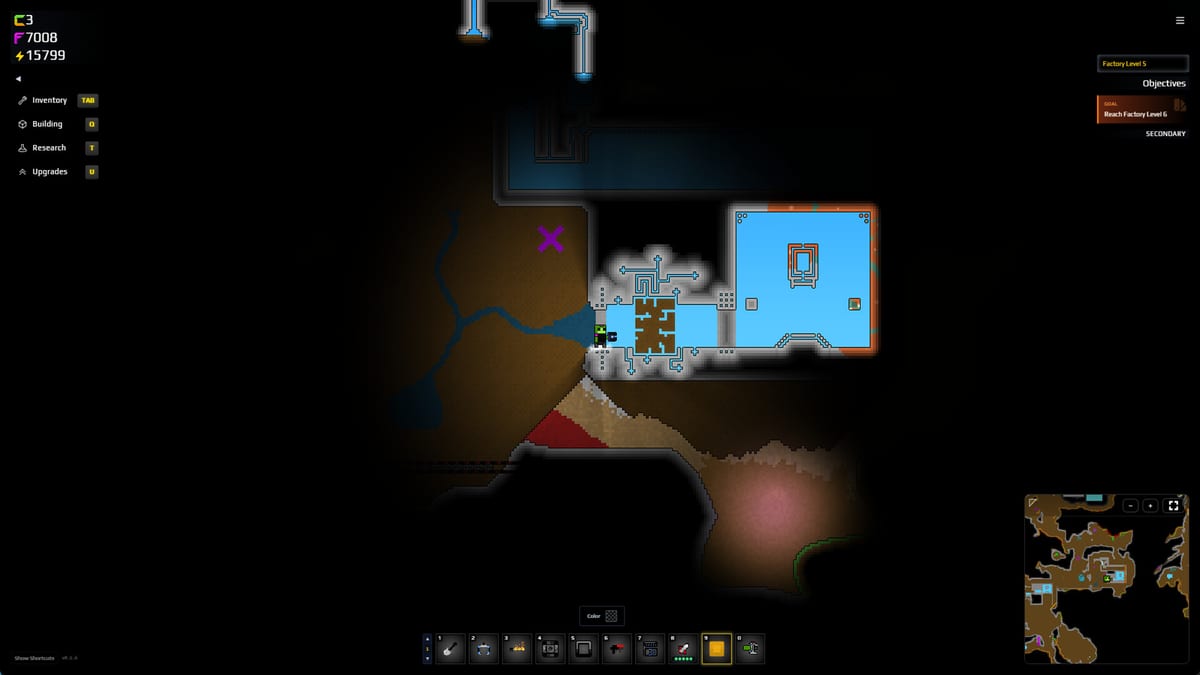
The Sandustry Modding API is the official modding framework published by Lantto Games alongside the v0.5.5+ announcement on 29 August 2026. It supports both Lua (entry-level, for simple quality-of-life mods) and C# (for complex systems that need direct game-engine access). This guide covers how to set up the scripting environment, write your first mod, and navigate the API documentation.
Before you start �?what the API can and cannot do
The API lets you:
- Create custom buildings with new input/output recipes, power draw, and visual sprites.
- Override procedural generation for terrain, biomes, and resource distribution.
- Add, remove, or reorder research tree nodes.
- Define new material behaviors and how they interact with heat, pressure, and existing game systems.
- Add custom UI panels, tooltips, and menu options.
The API does not let you:
- Add multiplayer (that requires engine-level changes beyond the script layer).
- Replace core sandbox physics �?sand, water, and heat simulation are engine-level.
- Access save file formats directly (use Fluxloader for save manipulation mods).
Setting up the scripting environment
Prerequisites
- Sandustry Early Access build v0.5.5 or later.
- A text editor �?VS Code with the Sandustry Lua extension (or C# extension) is recommended.
- The official API documentation package from the Sandustry Discord or the documentation tab on Steam Workshop.
Installing the Lua loader
- Open Sandustry and go to Settings �?Mods �?Script Loaders.
- Enable Lua Script Loader.
- The game will create a
scripts/lua/folder in your Sandustry user directory (%AppData%\sandustry\scripts\lua\on Windows). - Drop a
.luafile into that folder �?it will load automatically on the next game start.
Installing the C# loader
- Install Fluxloader first �?the C# loader depends on it. See Fluxloader Install.
- Enable C# Script Loader in Settings �?Mods �?Script Loaders.
- Create a C# project using the template from the official API docs.
- Build the
.dlland place it in%AppData%\sandustry\scripts\csharp\.
Your first Lua mod in 10 minutes
The classic starter mod: a “Gold Bonus” script that adds a small gold bonus whenever a Shaker produces gold. This demonstrates material interception, event hooks, and UI notification.
-- gold_bonus.lua
-- Adds +5% gold yield from Shakers (stacks with existing rates)

local BONUS_RATE = 0.05

-- Listen for ShakerOutput event
Events.OnShakerOutput(function(event)
  local shaker = event.shaker
  local goldProduced = event.gold

  if goldProduced > 0 then
    local bonus = math.floor(goldProduced * BONUS_RATE)
    if bonus > 0 then
      -- Add bonus gold to the Shaker output
      shaker:AddOutput("Gold", bonus)

      -- Show a small notification
      Game.Notify("Gold Bonus!", "+" .. bonus .. " gold from shaker yield", "icons/gold")
    end
  end
end)
Save this as gold_bonus.lua and drop it in the Lua scripts folder. On next launch, every Shaker output will silently add 5% more gold.
Custom buildings in Lua
Custom buildings are defined by registering a recipe with the Buildings API:
-- custom_furnace.lua
-- A simple custom furnace that smelts Sand into Glass

Buildings.Register("CustomGlassFurnace", {
  DisplayName = "Glass Furnace",
  Description = "Smelts Sand into Glass using heat.",
  Category = "refining",
  Size = { width = 2, height = 2 },
  Cost = { Gold = 500 },

  Inputs = {
    { material = "Sand", rate = 2 }
  },

  Outputs = {
    { material = "Glass", rate = 1 }
  },

  HeatRequired = true,
  PowerDraw = 10,

  OnTick = function(building)
    -- Smelt logic: 2 Sand �?1 Glass per tick
    local sand = building:GetInput("Sand")
    if sand >= 2 then
      building:ConsumeInput("Sand", 2)
      building:ProduceOutput("Glass", 1)
    end
  end
})
After loading this script, a Glass Furnace building card will appear in the Refining category when you reach the appropriate research tier.
Research tree modifications
Add a custom research node to the tree:
-- add_research.lua

Research.AddNode({
  id = "CustomSmelting",
  name = "Advanced Smelting",
  description = "Unlocks the Glass Furnace.",
  cost = 1000,
  tier = 3,
  category = "refining",

  unlock = function(player)
    player:UnlockBuilding("CustomGlassFurnace")
  end
})
C# �?when to use it
Choose C# when your mod needs:
- Access to the full game engine (not just the script layer).
- Performance-critical code �?C# runs faster than Lua for heavy per-frame logic.
- Custom rendering or sprite manipulation.
- Integration with external libraries.
The C# API mirrors the Lua API but exposes engine-level classes. The official docs include a C# project template with a sample custom building and a research node.
Debugging and testing mods
In-game console: Press F5 (configurable) to open the Sandustry console. Mod errors print here with file names and line numbers.
Log files:
Mod logs are written to %AppData%\sandustry\logs\scripting.log. Check here if a mod silently fails to load.
Fluxloader load order:
If you use both the official API loader and Fluxloader, Fluxloader loads first. Mods that depend on each other must declare load order in fluxloader.json.
Hot-reload: Save your .lua or .dll file while the game is running �?the loader will attempt to hot-reload it. If hot-reload fails, exit to the main menu and relaunch.
Performance tips for custom buildings
- Cache material lookups �?calling
building:GetInput()every frame is expensive; cache references inOnCreate. - Throttle notifications �?do not fire a UI notification every single tick; use a cooldown counter.
- Avoid per-pixel operations in
OnTick�?keep tick logic light; push heavy computation to a separate coroutine. - Profile before publishing �?use the in-game profiler (F3 �?Performance) to check your mod’s CPU share.
Publishing your mod
When your mod is ready:
- Test it on a fresh save file �?not just an existing one.
- Write a README covering what it does, what it requires, and what tier of player it suits.
- Publish to Steam Workshop using the Mods �?Publish menu in-game. Tag it with
LuaorC#as appropriate andAPIfor discoverability. - Update your Workshop page when you push new versions �?players who subscribed get notified.
API documentation and community support
- Official docs: linked from the Sandustry Discord
#moddingchannel and the Steam Workshop documentation tab. - Community Discord:
#api-helpand#mod-showcasechannels in the official Sandustry Discord (discord.gg/HJNk5eMnmt). - Example mods: the official docs include five working example mods with source code.
Related pages
- SandPrints Blueprint Sharing �?Share and download factory layouts from the community blueprint database.
- Fluxloader Install �?Install Fluxloader before loading C# mods.
- SandTogether Co-op Mod �?Co-op mod built using the Fluxloader pipeline.
- Custom Maps �?Community map loader for predefined terrain.
- Mods Hub �?All community tooling in one place.
- Updates Hub �?Official patch notes and roadmap signals.
Modding Sandustry is the deepest form of mastery �?if you understand the factory loop well enough to teach it to a script, you are ready to call yourself a Sandustry engineer.
Frequently Asked Questions
Quick answers to the most common Sandustry questions.
What languages does the Sandustry Modding API support?
Both **Lua** (entry-level, recommended for simple mods) and **C#** (for complex engine-level access). The official documentation covers both.
How do I install the Lua script loader?
Enable Lua Script Loader in Settings �?Mods �?Script Loaders. The game creates a scripts/lua/ folder in your user directory. Drop .lua files there �?they load on game start.
Do I need Fluxloader for Lua mods?
No �?Lua mods load through the official built-in Lua loader. Fluxloader is only required for C# mods or when you need save-file manipulation.
Can I add custom buildings with the Modding API?
Yes. Register a building with Buildings.Register() in Lua, define inputs, outputs, and tick logic. The new building card appears when the player reaches the specified research tier.
Where is the official API documentation?
Linked from the official Sandustry Discord (#modding channel) and the Steam Workshop documentation tab. It includes five working example mods with source code.
How do I publish a mod I built?
Use the in-game Mods �?Publish menu to upload to Steam Workshop. Tag with Lua or C# and API for discoverability. Write a README covering requirements and what tier of player the mod suits.