Sandustry Update 0.5.5
Stability improvements, quality-of-life, and bug fixes — 19 August 2026.
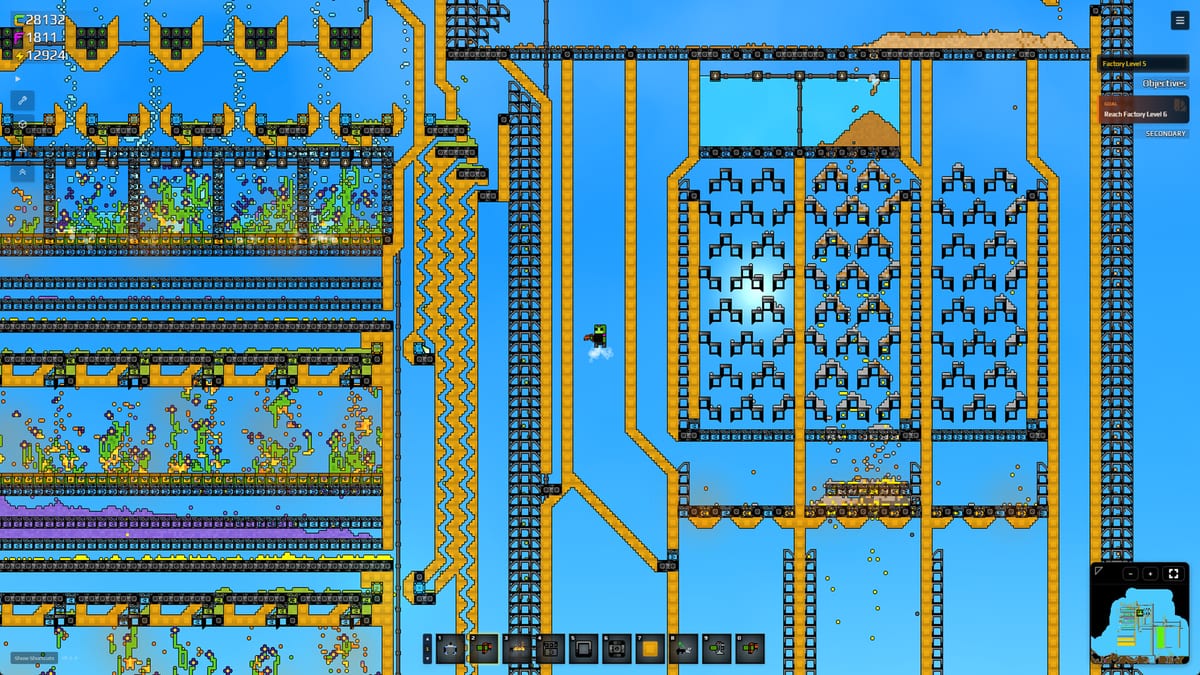
Update #2 for Early Access is v0.5.5, posted 19 August 2026 — six days after launch and three days after Update 0.5.4. Lantto Games titled it Stability Improvements, Quality-of-Life and Bug Fixes. This is the larger crash patch hinted at in Hotfix 0.5.3. Instructional videos are replaced with animated images, a fullscreen toggle arrives, macOS gets a right-click workaround, and the Aura Extractor gains clearer controls. Crash logging is significantly expanded.
What to install
Steam, GOG, Microsoft Store, and PC Game Pass desktop should show 0.5.5 or newer. If you are still on 0.5.4, you are missing the video-to-image fix that stopped GPU crashes on hover, and the expanded crash logging. There is still no Xbox console build and no Cloud Gaming — Launch Week still holds.
Expanded crash logging
v0.5.5 adds significantly more logging to diagnose and debug crashes. Log file locations:
| OS | Log file |
|---|---|
| Windows | C:\Users\<you>\AppData\Roaming\sandustry\logs\main.log |
| macOS | /Users/<you>/Library/Logs/sandustry/main.log |
| Linux | /home/<you>/.config/sandustry/logs/main.log |
The developer also added optional Crashpad diagnostics. Since crash dumps may contain sensitive information, Lantto will reach out to players experiencing crashes and explain how to enable it. This is opt-in, not automatic. Attach main.log when posting on Steam discussions or Discord — see Crashes and Performance for the full reporting checklist.
Instructional videos replaced with animated images
The biggest stability fix in this patch: instruction videos are now animated images instead of video files. This fixes:
- GPU crashes that occurred when hovering over video previews in the building UI.
- OBS capture hook loss — streamers no longer lose their capture when mousing over a preview.
The trade-off: expect slightly reduced quality and a somewhat larger install size. If you crashed in the first hour while browsing buildings or during tutorial overlays, this is the fix. Combined with the decoder-unmount work from Hotfix 0.5.3, video-related crashes should be largely resolved.
Alt+Enter fullscreen toggle
You can now press Alt+Enter to toggle between fullscreen and windowed mode. The game also remembers which monitor you last played on. Previously, switching display modes required the settings menu. This is a small QoL change that matters on multi-monitor setups.
Bind additional display controls on Keyboard Shortcuts.
macOS right-click workaround
A bug caused the right mouse button to get stuck on macOS, making tools like the Vacuum spray forever. v0.5.5 adds a workaround — the proper fix is still pending. If you play on macOS and experienced stuck input, update and test. The workaround should prevent the Vacuum from locking into spray mode.
This does not affect Windows or Linux. If you still see stuck input on those platforms, report it with a log file.
Tutorial softlock fix
You can no longer accidentally softlock yourself by using the radial menu in the tutorial. If you got stuck during the opening sequence and had to restart, this should not happen again. The tutorial is the same content covered on How to Play and Getting Started — you can also skip it and read those guides.
Aura Extractor improvements
The Aura Extractor receives clearer hover guidance and swarm targeting indicators. The Extractor is a late-game building used to gather ambient resources. If its controls felt opaque before, the new visual cues should make targeting and collection more intuitive.
For other late-game buildings, see Buildings Hub.
What v0.5.5 did not change
- No shaker yield change, no new biome, no new research nodes.
- No Xbox console port and no Cloud Gaming.
- No replacement for
--sandustry-no-overlay-gpu-flagsif overlay crashes persist (Crashes and Performance). - Filter editing improvements from Update 0.5.4 remain unchanged.
- Red-block demolish (256-tile limit) from 0.5.4 is not modified.
- Demo Hotfix 8 rules still live on Demo Patches.
Patch timeline
| Patch | Date | Focus |
|---|---|---|
| Hotfix 0.5.3 | 14 Aug 2026 | Logging, memory, objectives, overlay flag |
| Update 0.5.4 | 16 Aug 2026 | Filter editing, Tier 5 repair, red blocks, zoom |
| Update 0.5.5 | 19 Aug 2026 | Crash logging, video fix, fullscreen, macOS, Extractor |
Play after the patch
Update the client. If you crashed on video hover before, test the building UI. If macOS input was stuck, try the Vacuum again. If you are a streamer, OBS capture should survive building previews. Then go back to the factory loop on Guides.
Related
- Update 0.5.4 — Filter editing, Tier 5 repair, red blocks, zoom.
- Hotfix 0.5.3 — First EA patch: logs, memory, objectives.
- Crashes and Performance — Log paths, overlay flag, memory tips.
- EA Roadmap — Post-launch themes and milestones.
- Launch Week — Price, Game Pass, discount.
Update the client, grab a log if it still crashes, and keep building.
Frequently Asked Questions
Quick answers to the most common Sandustry questions.
When did Sandustry ship Update 0.5.5?
**19 August 2026**, as Update #2 after Update 0.5.4. Stability, QoL, and bug fixes.
What is the biggest fix in v0.5.5?
Instructional **videos are now animated images**, fixing GPU crashes on hover and OBS capture hook loss. Details on this page.
How do I toggle fullscreen in Sandustry?
Press **Alt+Enter**. The game remembers your last monitor. See Keyboard Shortcuts.
Did v0.5.5 fix the macOS right-click bug?
A **workaround** is in place — the Vacuum no longer gets stuck spraying. The proper fix is still pending.
Where is the Sandustry crash log?
Windows: `%AppData%\sandustry\logs\main.log`. macOS and Linux paths are in the table above and on Crashes and Performance.
Did v0.5.5 add new content?
No. It is a stability and QoL patch. No new biomes, research nodes, or buildings. Content updates are tracked on EA Roadmap.